Sorry, this item has been discontinued. The product shown below is the best match.
RootsMagic UK Version 9 Platinum Edition Download (PC/Mac) Special Offer
£44.95
£44.95
£44.95
RootsMagic has become one of the UK's most favoured genealogy packages. This software is comprehensive yet easy to use, creates over 100 reports and charts, and integrates with research sites. It is the top-rated program in numerous reviews and articles which emphasise RootsMagic's ease of use and powerful features.
Version 9 is the latest edition of this award-winning full-featured genealogy program authored by Bruce Buzbee, the author of Family Origins.
This is a heavy item so postage will be increased if it is to be shipped outside the UK.
Note: If you buy this item as part of an order containing items that do not have free postage you will be charged for postage at the appropriate rate for those items.
RootsMagic has become one of the UK's most favoured genealogy packages. This software is comprehensive yet easy to use, creates over 100 reports and charts, and integrates with research sites. It is the top-rated program in numerous reviews and articles which emphasise RootsMagic's ease of use and powerful features.
Version 9 is the latest edition of this award-winning full-featured genealogy program authored by Bruce Buzbee, the author of Family Origins.
UK Platinum Edition - with over £130 worth of UK data
Our most popular package, the UK Platinum Edition includes:
- RootsMagic 9 UK Edition software
- 3 Month Online subscription to the award winning website www.TheGenealogist.co.uk, providing access to BMDs, Census 1841 - 1911, Military Rolls of Honour, Directories, Parish Records, Wills, Land Owner Records, and more.
- Digital Quick Start Guide (PDF)
- Cassell's Gazetteer of Great Britain & Ireland 1893 - listings for all counties, cities, towns, villages (with population) and detailed information on history, geography, architecture, agriculture or industry.
- Visitation of England & Wales 1893-1921 - find the pedigree of a family and learn about its coat of arms from the Heralds' Visitation of England and Wales. Comprehensively illustrated, with hundreds of coats of arms and signatures of heads of family.
- History of the Commoners of Great Britain & Ireland 1835 - genealogical and heraldic history of the Commoners (people who do not fall under the categories of either being a monarch or a peer) of Great Britain and Ireland enjoying territorial possessions or high official rank, but uninvested with heritable honours.
- Imperial Dictionary of Universal Biography - an encyclopedia of leading men of the age. This is a series of memoirs of distinguished men, of all ages and nations by writers of eminence in the various sciences and arts (circa 1870).
Please note that this is supplied as a download, you will receive a download link and registration key via email. You will then be able to access the data downloads and online subscription via Your Account.
What's New in Version 9?
Associations
Lets you track non-relative relationships (friends, neighbors, enslavement, classmates, etc)
Enhanced color coding
Up to 10 color code sets - you can now name each color code set and label each color
New Tools page
Includes existing tools and a bunch of new tools all in one place for ease of use
New personal media album
View all the media attached to one person by using the new 'Media Album' link on the left of the Edit screen
Saved searches
Save and reuse criteria for advanced searches in your database
Saved task filters
Save and reuse filters for tasks
Groups can be freeform or saved criteria
Save the criteria for selecting people in a group, also includes a button to refresh the group
Enhanced properties list
Create a list showing properties in your database - this shows more than just the number of people, families, etc. Includes any broken media links, unused places, tasks, and more
New note editor
Much faster, better performing note editor with spell check
Add/Edit/Delete ability on "Used" lists
When working with sources, citations, tasks, addresses, media, etc., if you click the "Used" button to see where the item is used, you can now add, edit, or delete records directly from that "Used" list
HTML website creation
Create beautiful websites in HTML to display on your own website
Plant Your Family Tree
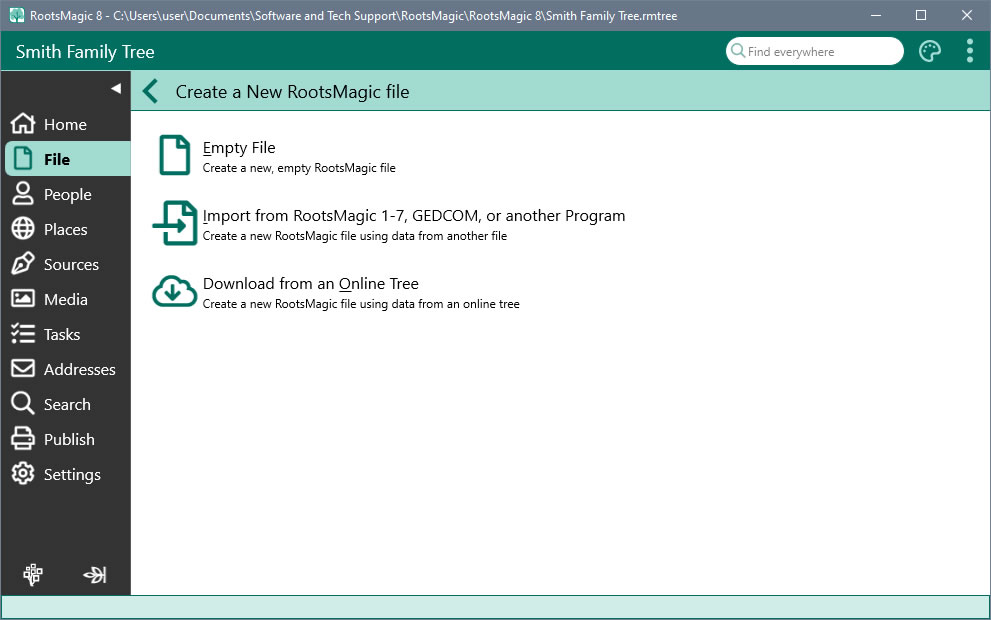
Whether your are starting from scratch, use another program, or already have a tree online, RootsMagic helps you bring it all together into a single, convenient spot.
Download from Online Trees
Already have family history online? RootsMagic can give you a headstart by downloading your tree from Ancestry and FamilySearch.
Import from Other Software
RootsMagic can directly import data from Personal Ancestral File (PAF), Family Tree Maker, Legacy Family Tree, The Master Genealogist, or Family Origins*. It also imports GEDCOM, the universal genealogical data exchange format.
* Not all 3rd-party formats are currently supported on macOS.
Stay in Sync with Online Trees
You get the best of both worlds- the power, privacy, and freedom of a personal tree on your own computer; and the communication, collaboration, and resources of online trees. RootsMagic lets you share tree data back and forth with Ancestry and FamilySearch.
Multiple Files
Create as many tree files as you like. Keep your own backups of your work on your own computer or on cloud backup services.
Drag-and-Drop
Open multiple trees at the same time. Need to copy a branch from one file to another? Just use your mouse to drag a person (or people) from one file to another.
Getting Around
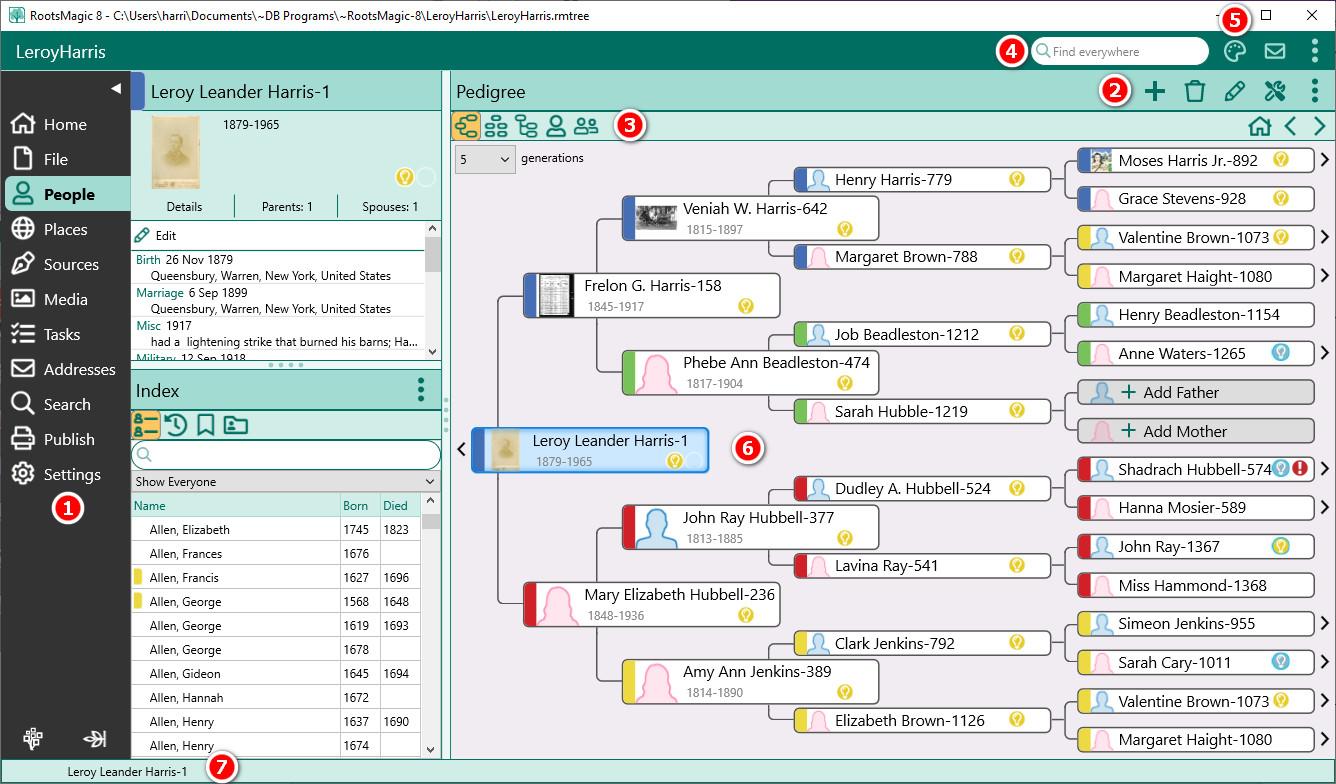
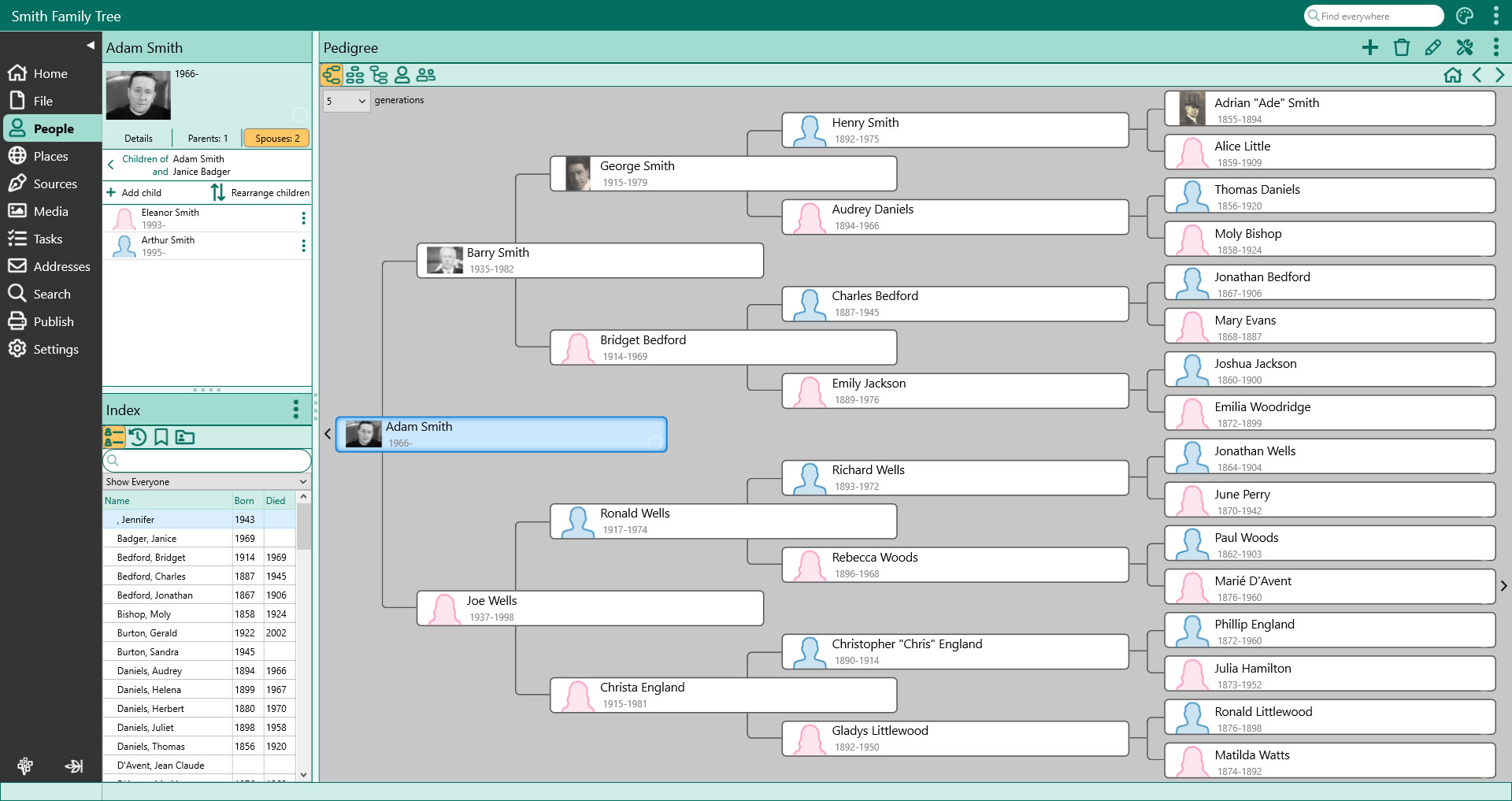
No matter how tangled your tree is, RootsMagic lets you easily navigate all of the roots and branches.
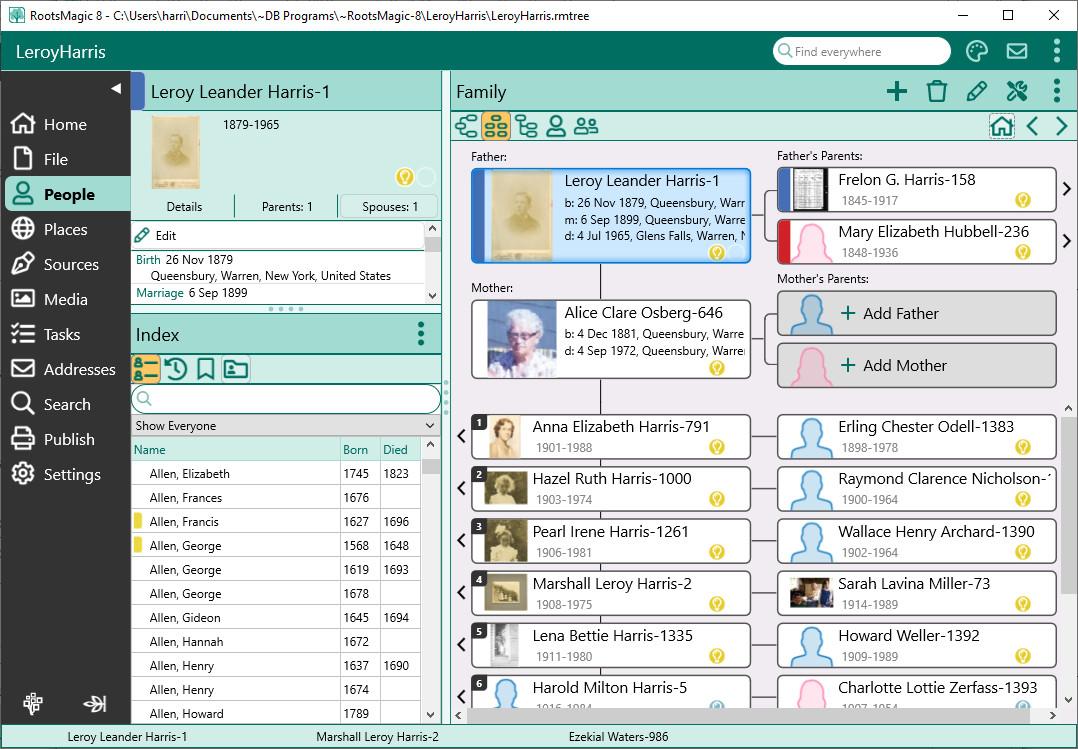
All At Your Fingertips
The main window lets you work with files, people, places, sources, media, tasks, addresses, and more from one place. Just click on the sidebar to switch between screens without losing your place.
Map Your Family
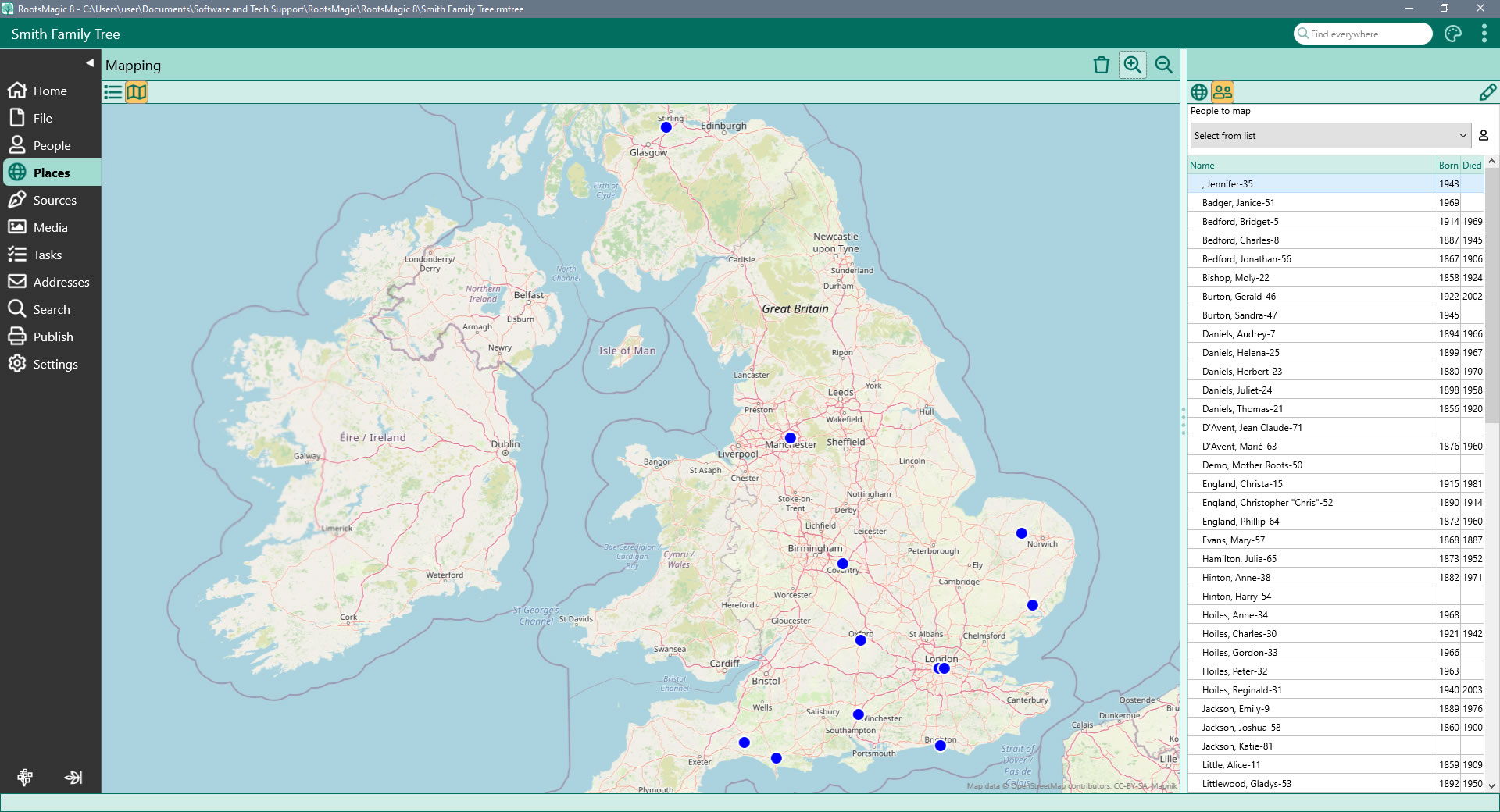
View your family on a map! Simply select a family member from the list and RootsMagic will display the map (anywhere in the world), with pins where that person's events (birth, marriage, death, burial, etc) occurred.
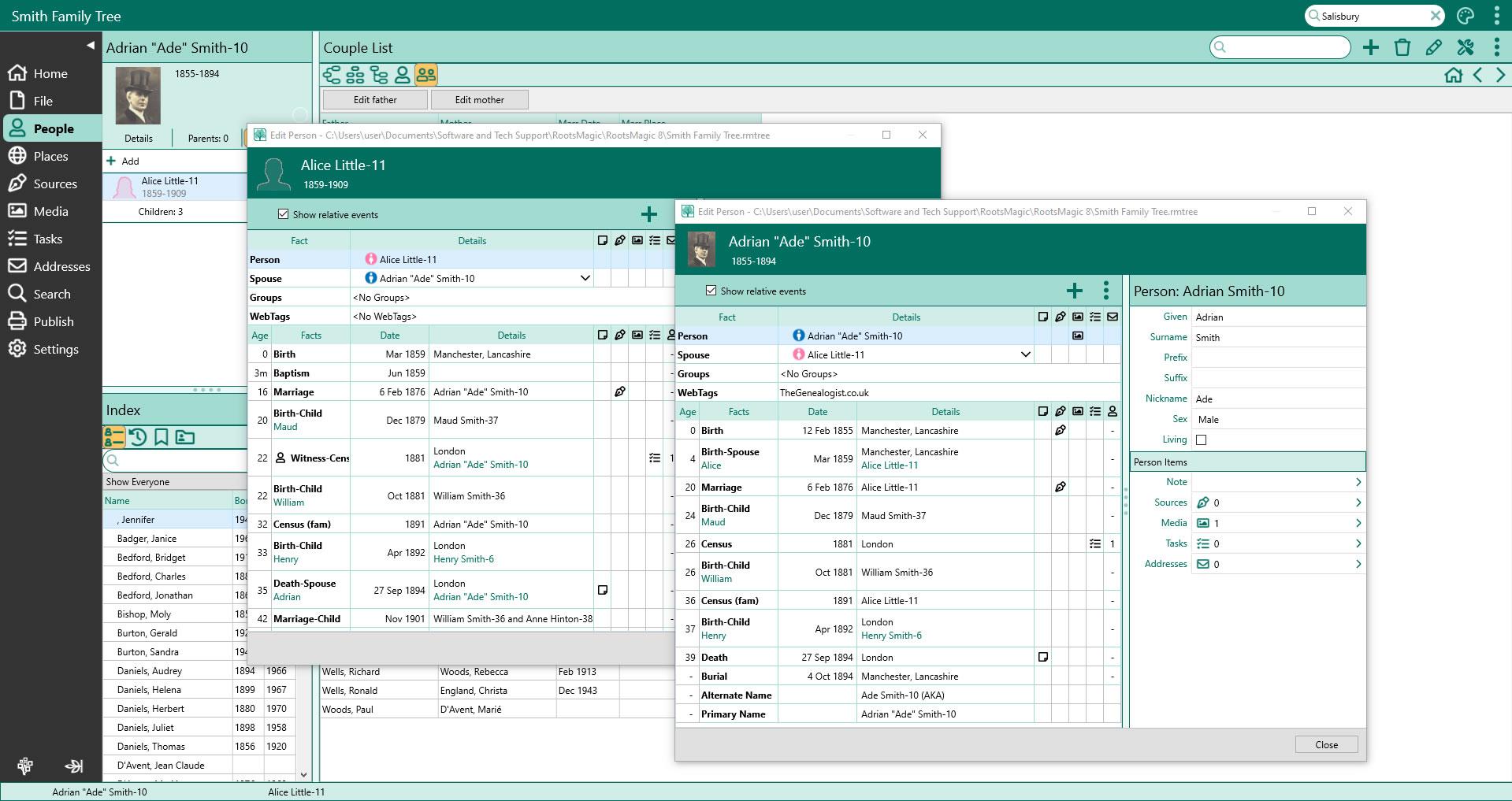
Add and Edit People
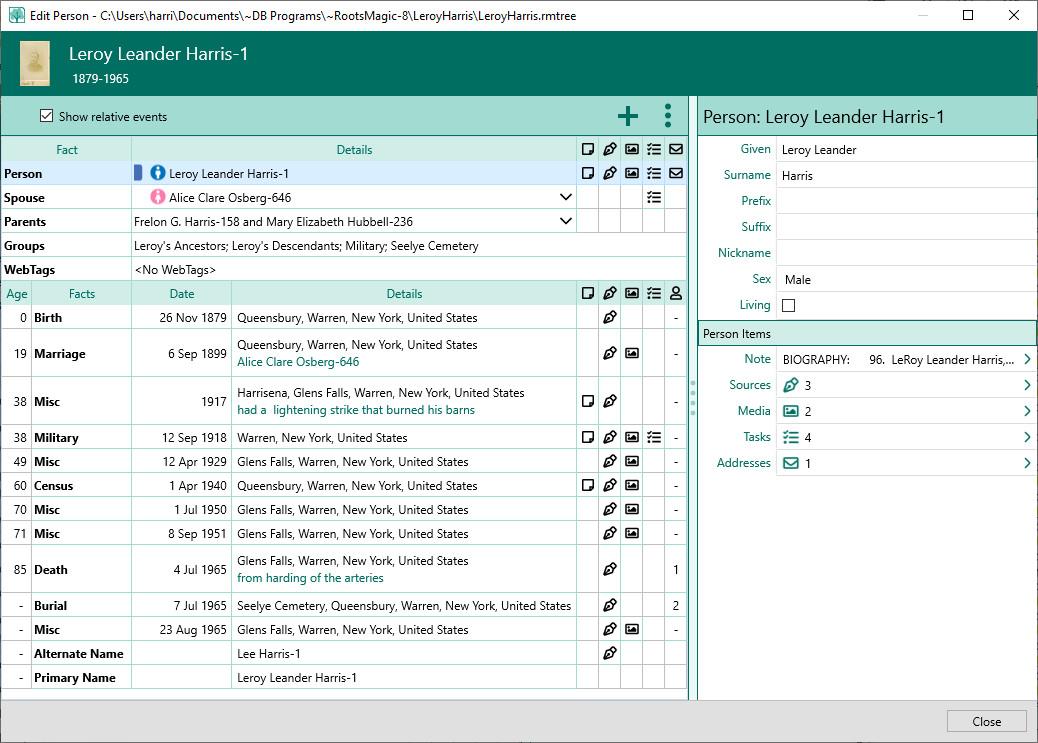
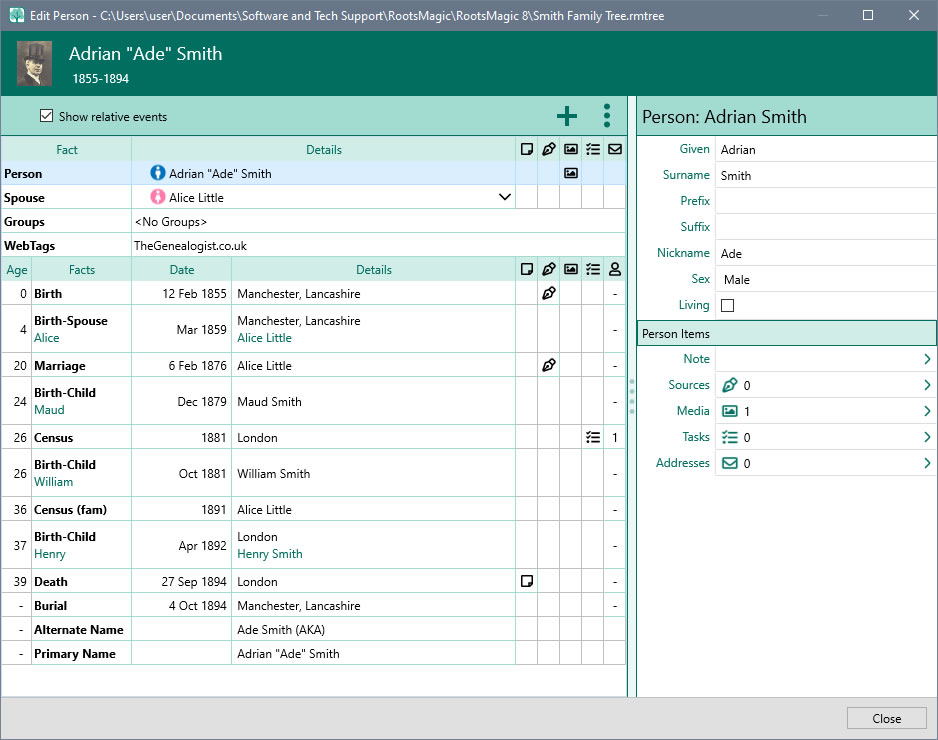
View and edit every piece of information about a person from a single edit screen. Add as many facts, notes, sources and media to each person and family. Share an event among multiple people and define each person's role in the event.
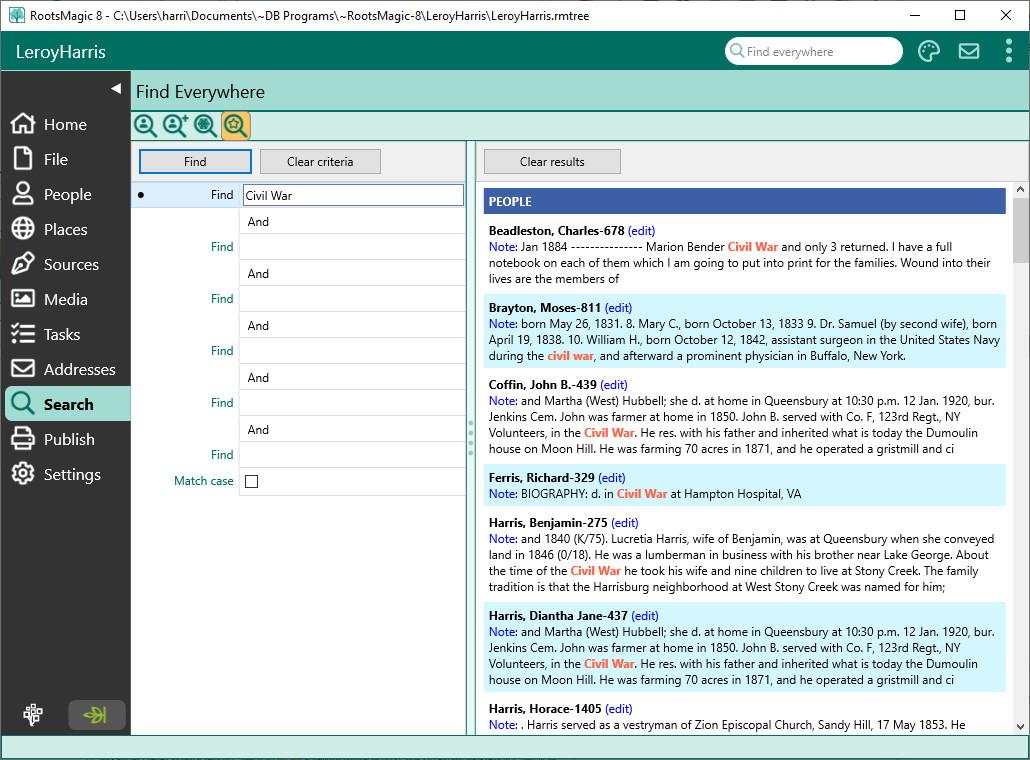
Find Anything
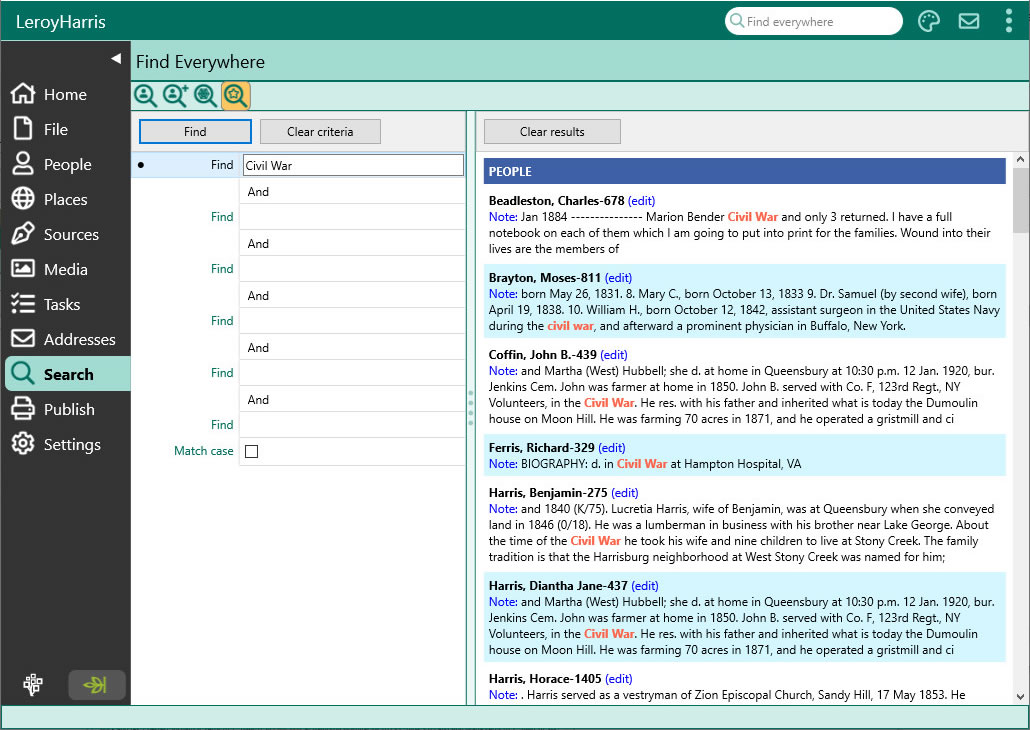
Search boxes help you quickly matching items in lists. Need more power? Use the Search Screen to search for a name or phrase anywhere in the file or online. Quickly search by surname or given names, genetic lines, or perform sophisticated searches easily. Even find women by their married names.
Grow Your Family Tree
RootsMagic keeps your work organized while it helps you find new records, document sources of information, and track your tasks and work.
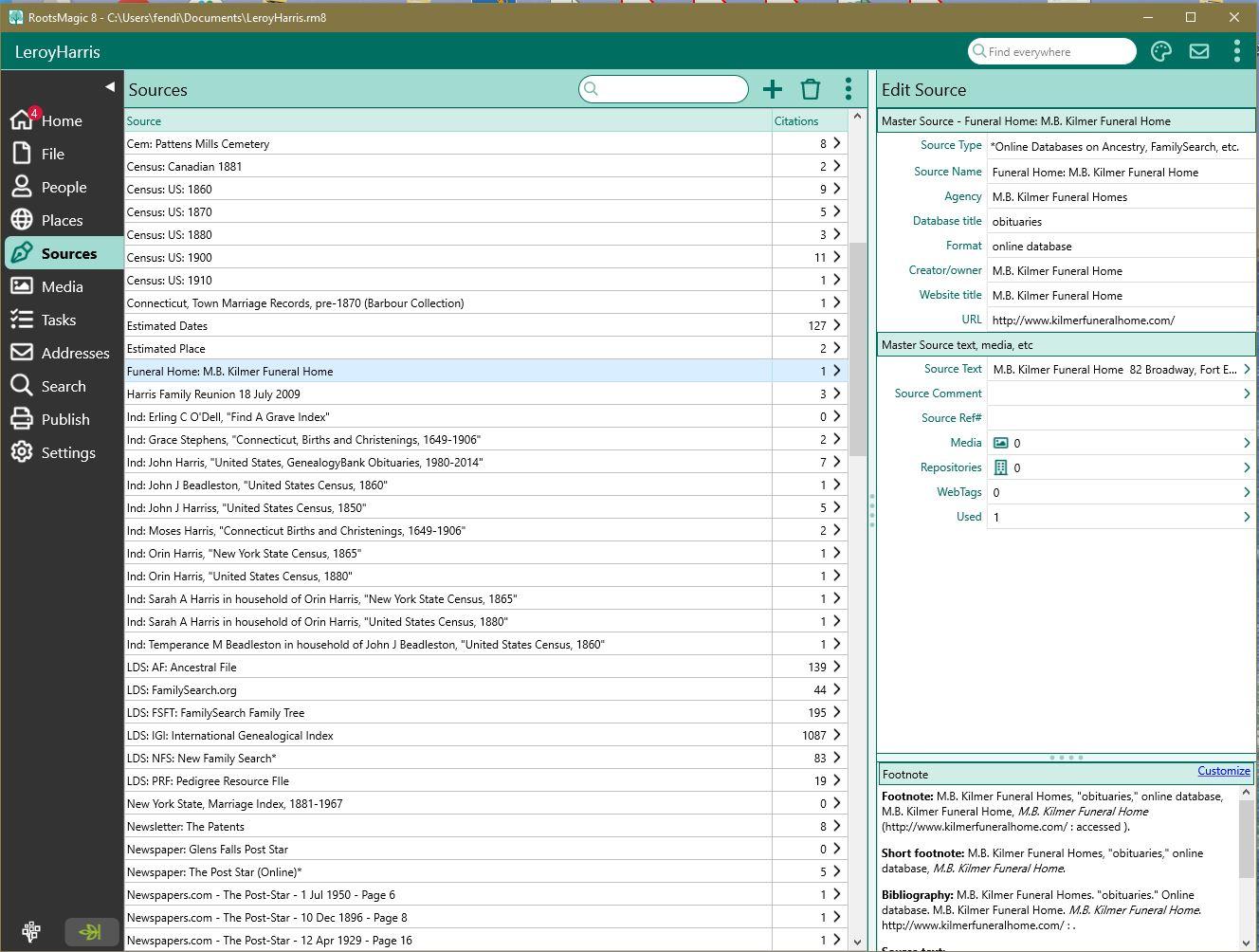
Document Your Work
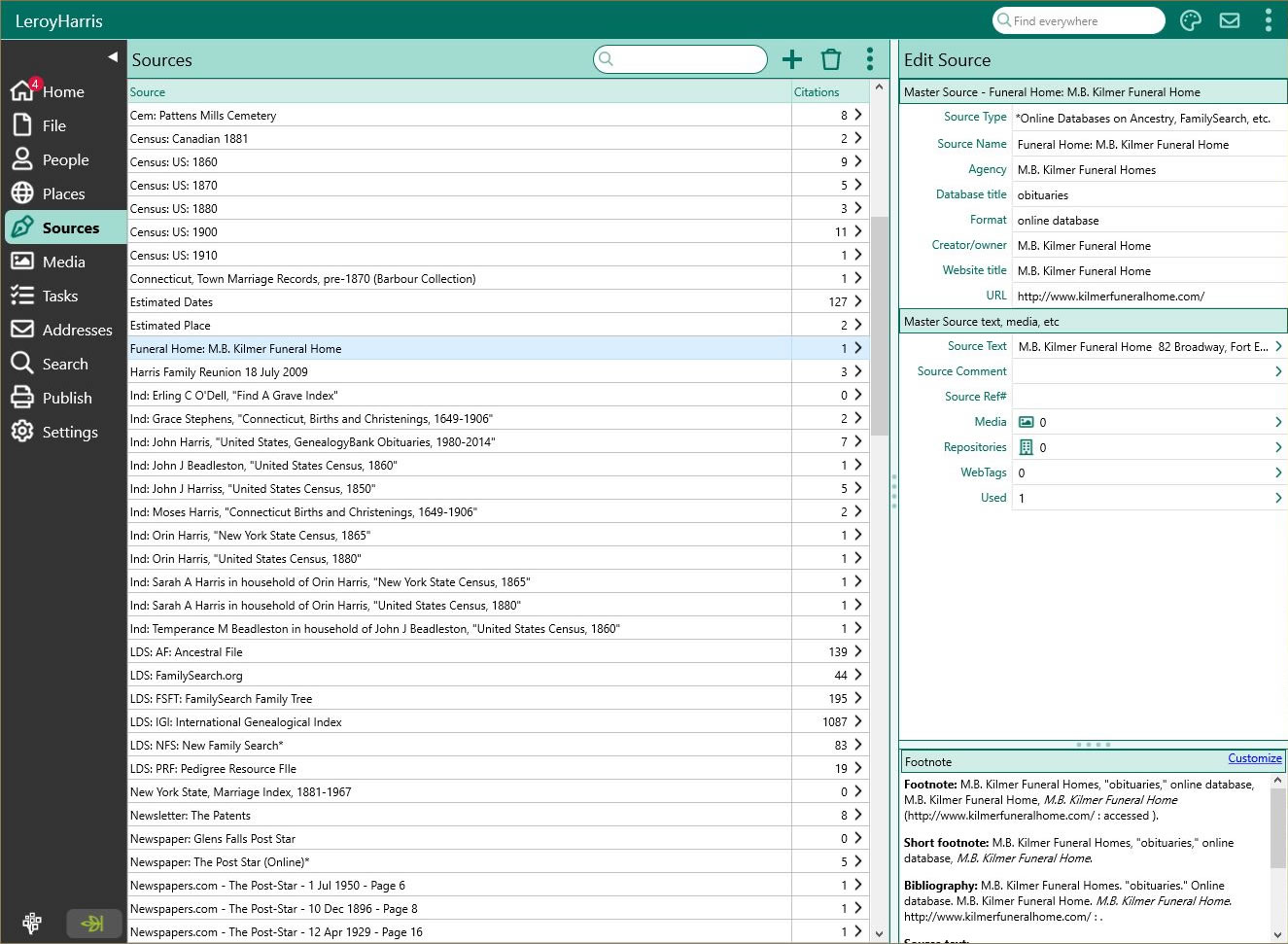
Record the evidence to back-up your work. Fill-in-the-blanks and the SourceWizard write and manages citations for you. You can even create your own source types.
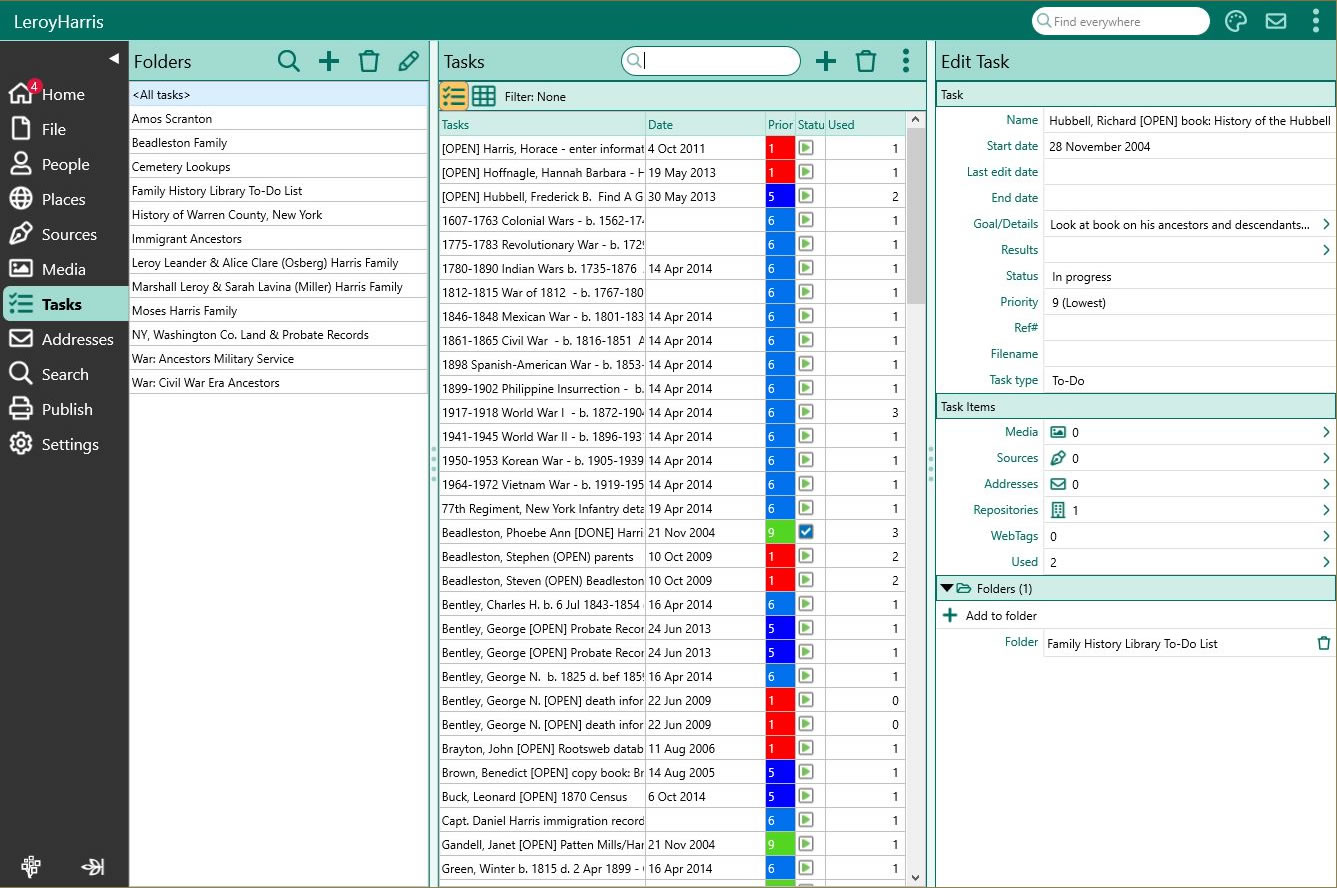
From "To-do" to "Ta-da"
Keep your work on track with RootsMagic's task management. Set goals, choose tasks, log your research, and track what you've found (or haven't found).
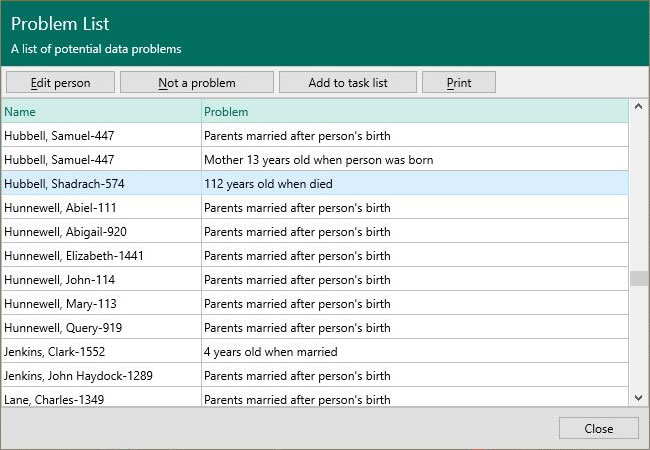
Spot Possible Problems
Was John really born when his mother was 9 years old? Problem Alerts warn you of possible errors in your data as you're looking at it.
Keep your Names and Places Clean
The powerful DataClean tool finds and corrects problems in your person and place names.
Automatically Find Online Records
WebHints automatically search for your family online. Find and view matching records from Ancestry, FamilySearch, Findmypast, and MyHeritage*.
* Subscriptions may be needed to view some records from some providers.
Colors and Groups
Give Color Codes to people to see how they fit into the overall picture. Assign people to groups to quickly find and use them at any time.
Publish and Share
RootsMagic makes it easy to publish and share your family history in a variety of ways!
Over 100 Printouts
Customize and print colorful reports and lists. Save them to .PDF, Microsoft Word .DOCX, Microsoft Excel .XLSX, and more which you can use in other publishing softwares.
Beautiful Charts
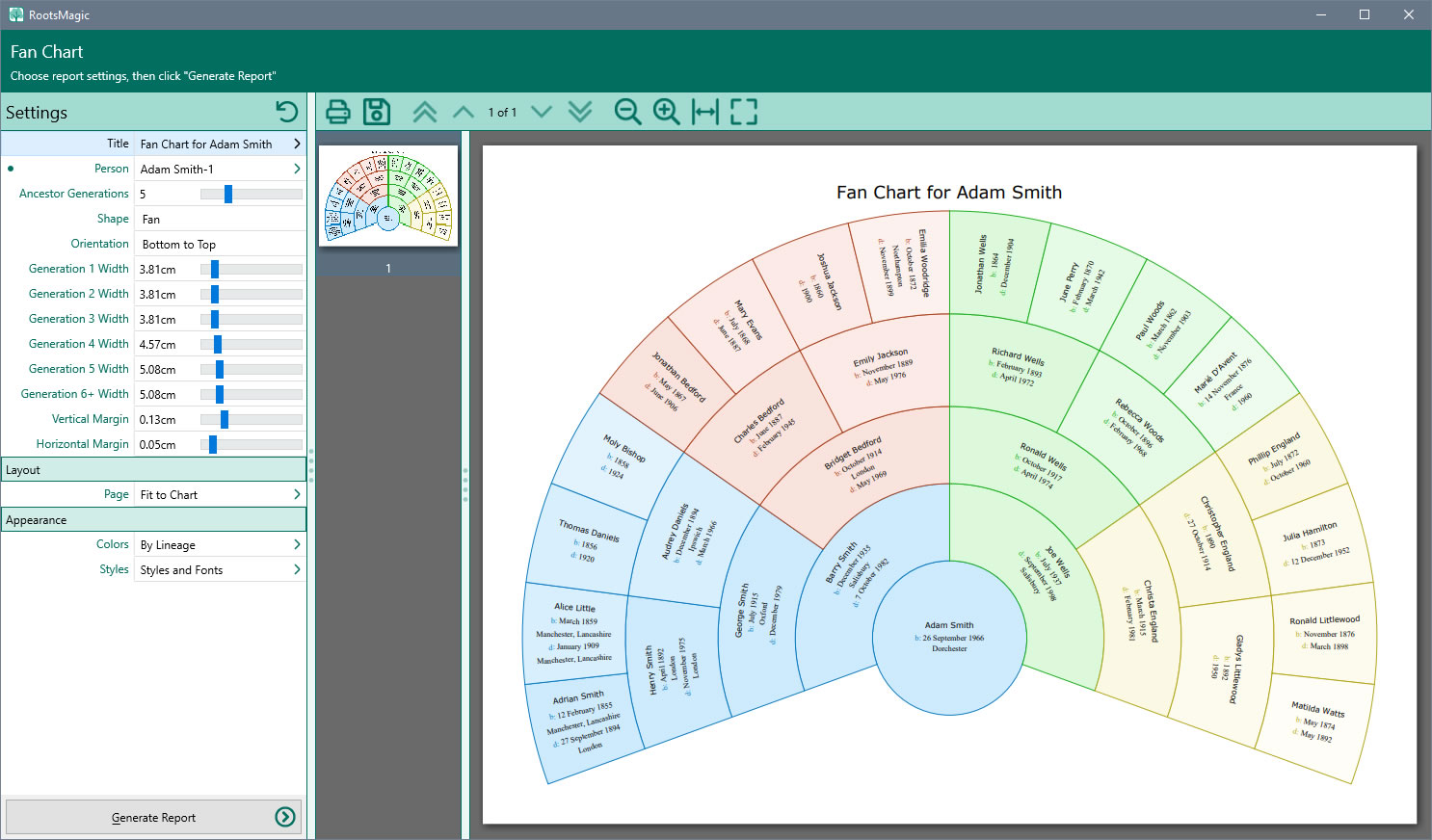
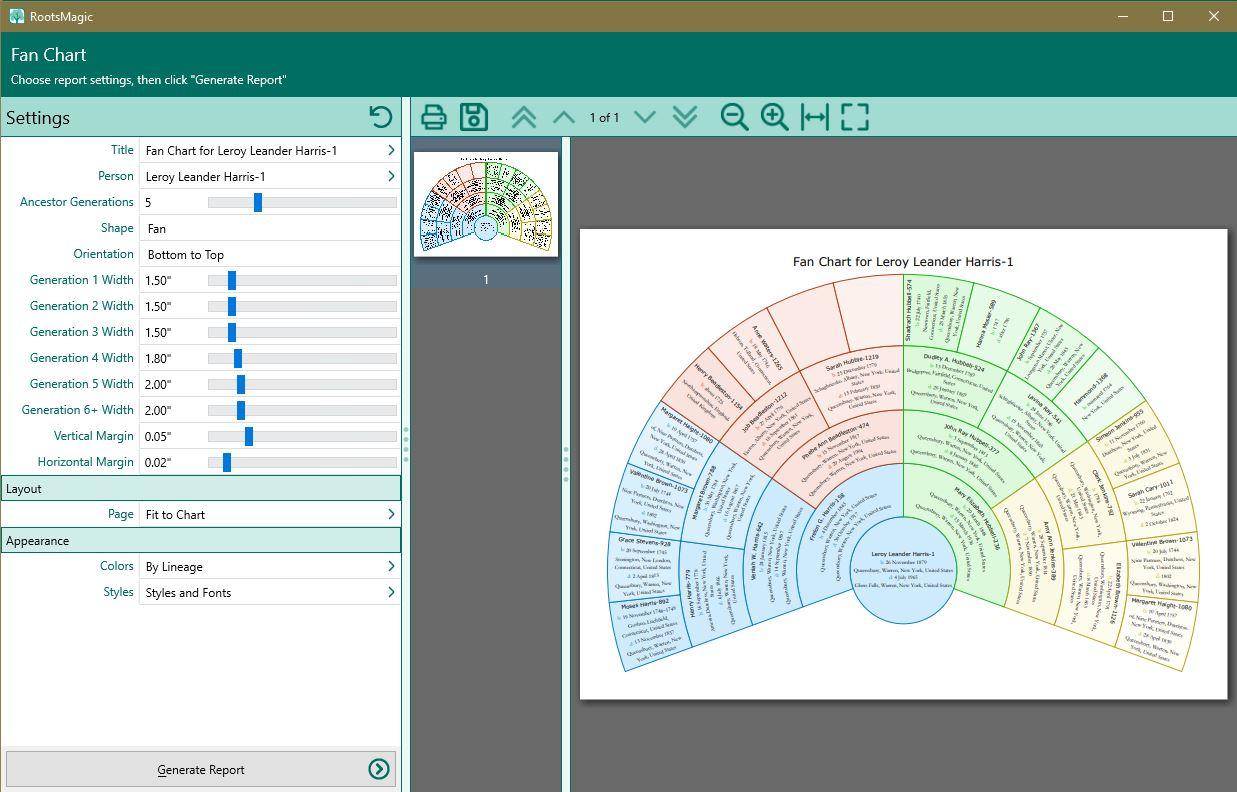
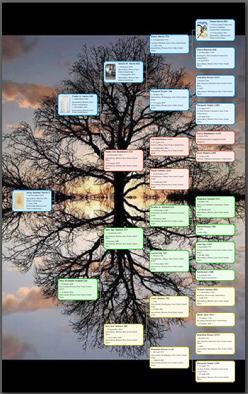
Design and print spectacular wallcharts and fancharts that really show the big picture. Add pictures and coloring to make your own unique masterpiece.
Publish Online
Share your family tree, notes, sources, and media with your own private website using our free My RootsMagic hosting service.
HTML Website Creation
Create beautiful pages in HTML to display on your own website, allowing much more flexibility.
Exchange Files
Full GEDCOM (Genealogical Data COMmunications) support means you can share your family tree with others, even if they use different software.